
In the Close the Loop page, the time until the case is closed is counted. Because it is important to measure the elapsed time from the customer's point of view to the response, we have purposely set the counting to continue regardless of weekends and holidays.
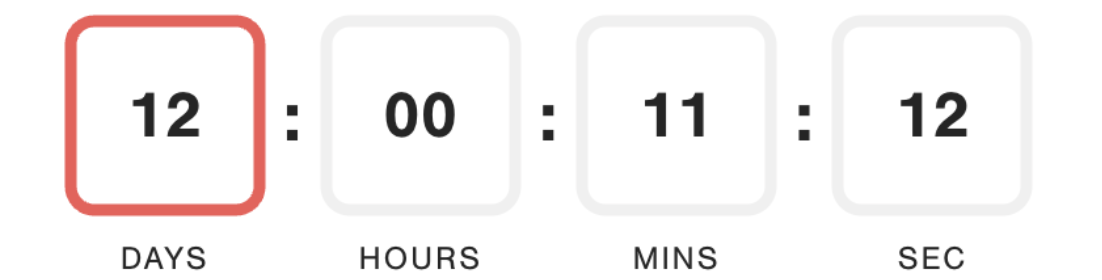
However, the front line needs to take the necessary time off without feeling great psychological pressure to close the loop. Follow the steps below to support your front line and keep your program moving forward while maintaining best practice KPI.
Directions
Send the survey early in the week (Monday and Tuesday) to avoid having the cases piling up by the weekend. On our data, most responses come back within 1-2 days.
You can also adjust the date you send reminders to be at the beginning of the week. The default is 7 days after the primary email is sent, so if the primary is sent early in the week, the reminders will also be sent early in the week.
Set the 48-hour response target to a realistic number, such as 80% to account for vacations and sick days of the front line.
Set up a system where another front-line personnel or team leader from the same team can close the loop instead.
- They can review the case of our sales representative and if necessary, change the person in charge (change the Assignee's name) and update the Close the Loop status.
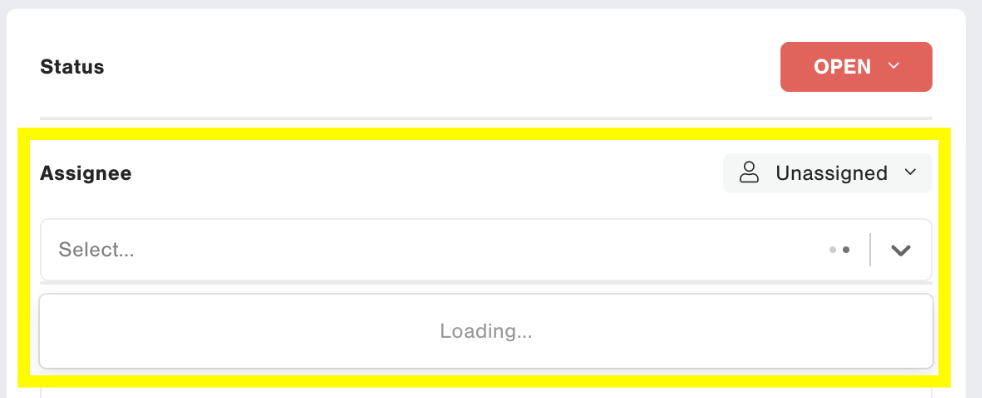
- They can review the case of our sales representative and if necessary, change the person in charge (change the Assignee's name) and update the Close the Loop status.
Add a message to the survey to set customers’ expectations properly. For example, you could add a sentence to the follow-up request comment: "It may take some time for us to contact you”.
Set an alert “case not closed” to elevate and support front line.