
Passive clients are more prone to churn as they are maybe not loyal to your brand. Listen to them through CustomerGauge Close the Loop feature using this AX® Recipe.
Directions
Ensure that you have alerts setup to notify responsible people as soon as a customer leaves a passive score.
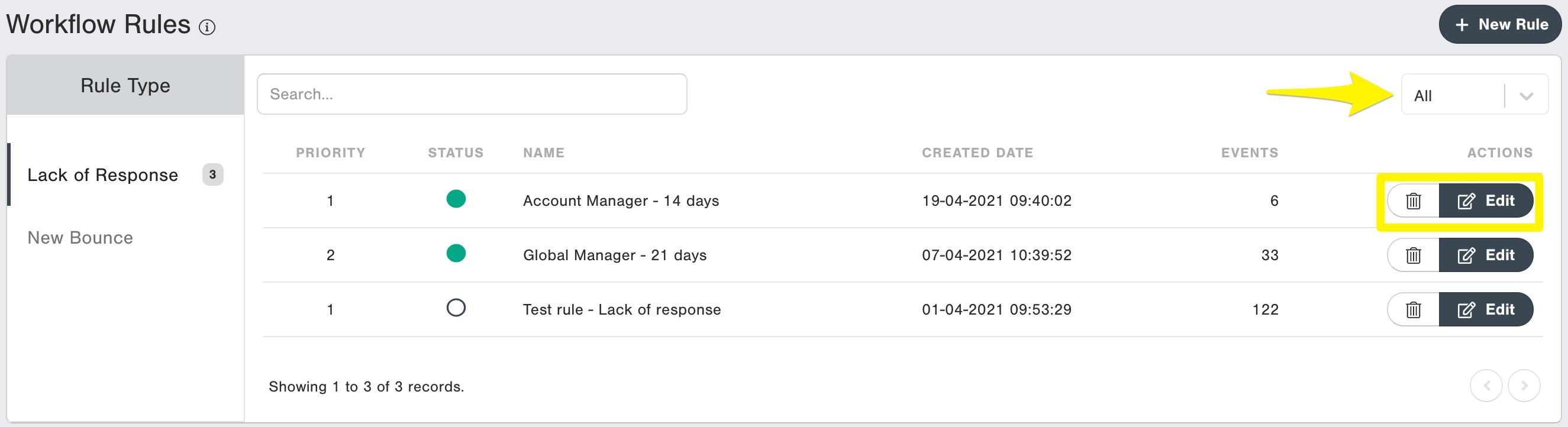
a. Go to Settings > Workflow Rules
b. Hit the "+ New Rule" button
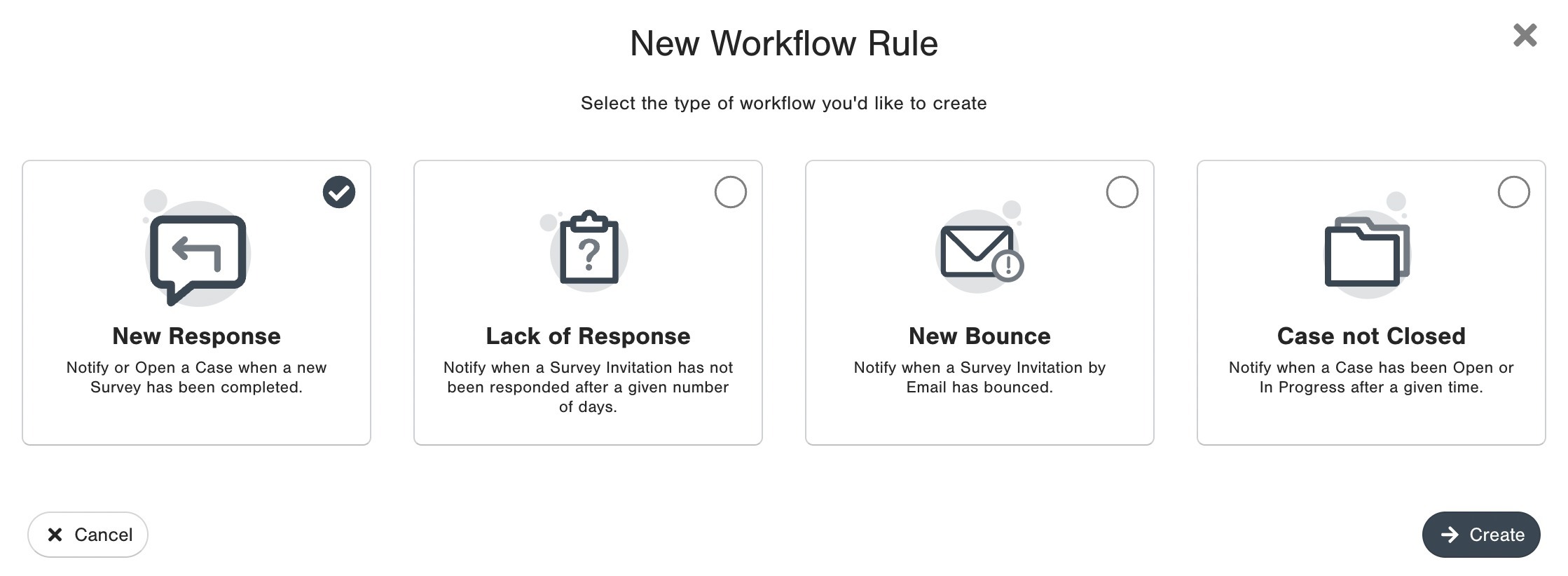
Choose New Response Alerts and click on Create.
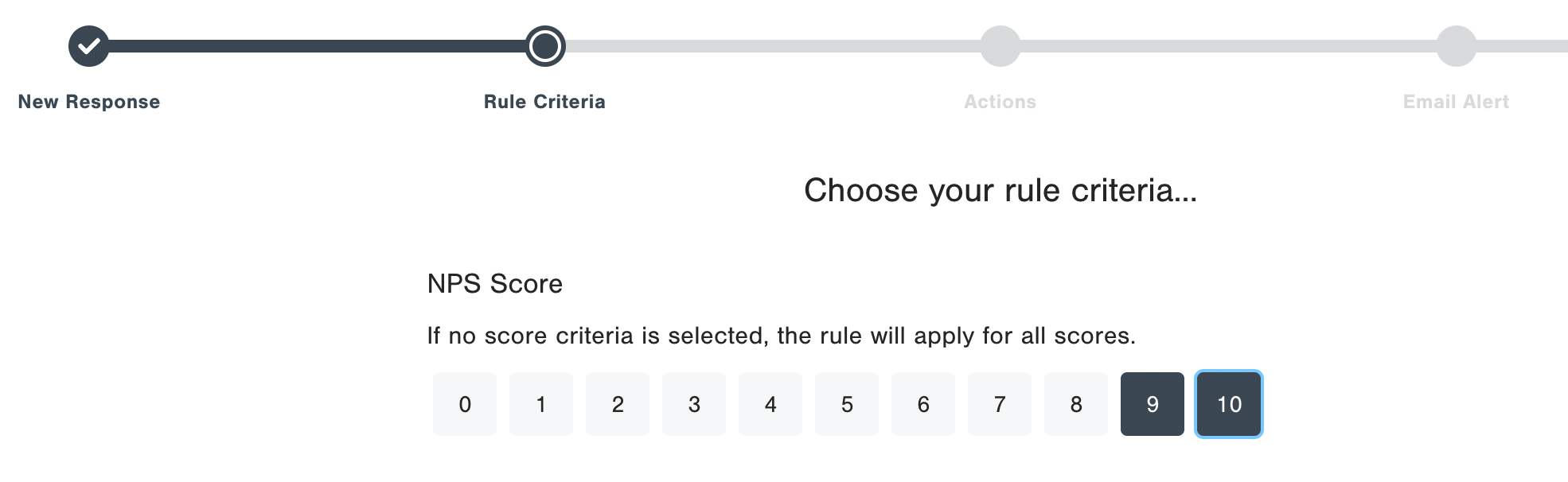
Choose 7 and 8 (Passives) in this step to receive alerts for passives only. Add filters to your Passive alerts as per your convenience. Example: Country is equal to DE, such that this workflow alert only applies to Germany.
Train our front line teams on how to follow up with passives:
- Thank them for taking the time to fill in the survey
- Push them for further information on the drivers that they selected
- Ask the question “While an 7/8 is a good score, what would have to change for you to give us a 9 or a 10 next time?”
- Let them know that they will be surveyed again in x months time and you look forward to their feedback
Update the results of the call in the CustomerGauge case:
Alert Details: Provides First Name, Last Name and email address of the contact.
Time Since Open: Shows the amount of time the case has been opened for.
Status: Shows the current status of the case and can be updated to Open, In Progress and Closed.
Add Notes: Update results here. Leave a note for the case with each update made. This is required to update the case status.