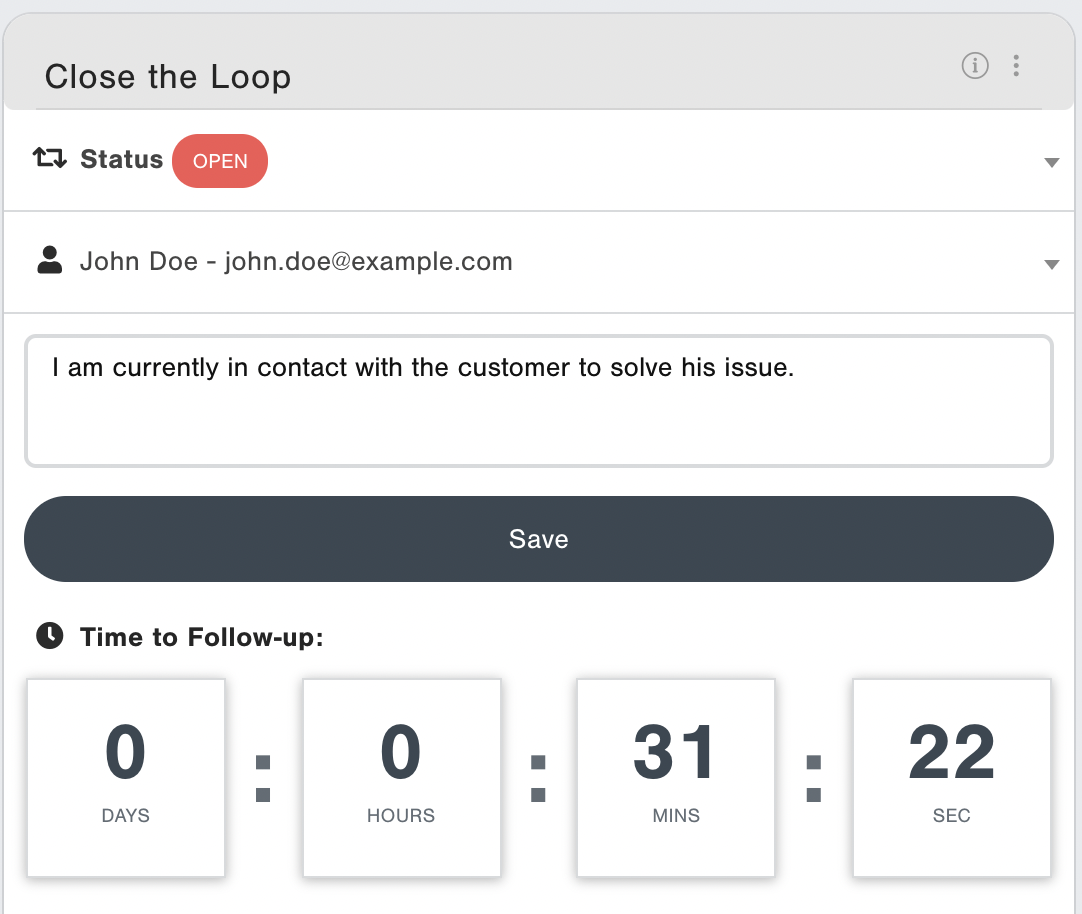
Closed loop feedback is central to any customer experience management strategy. It is the crucial technique you will use to respond to customer feedback, ensure action is taken, and reduce churn.
Directions
Ensure that you have alerts setup to notify responsible people as soon as a detractor leaves a response.
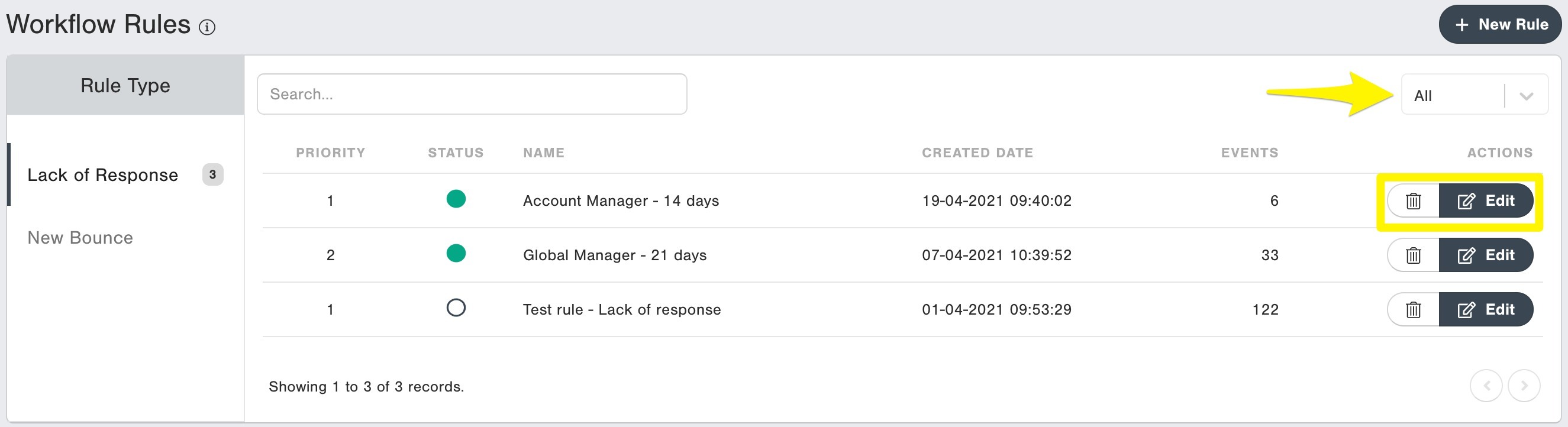
a. Go to Settings > Workflow Rules
b. Hit the "+ New Rule" button
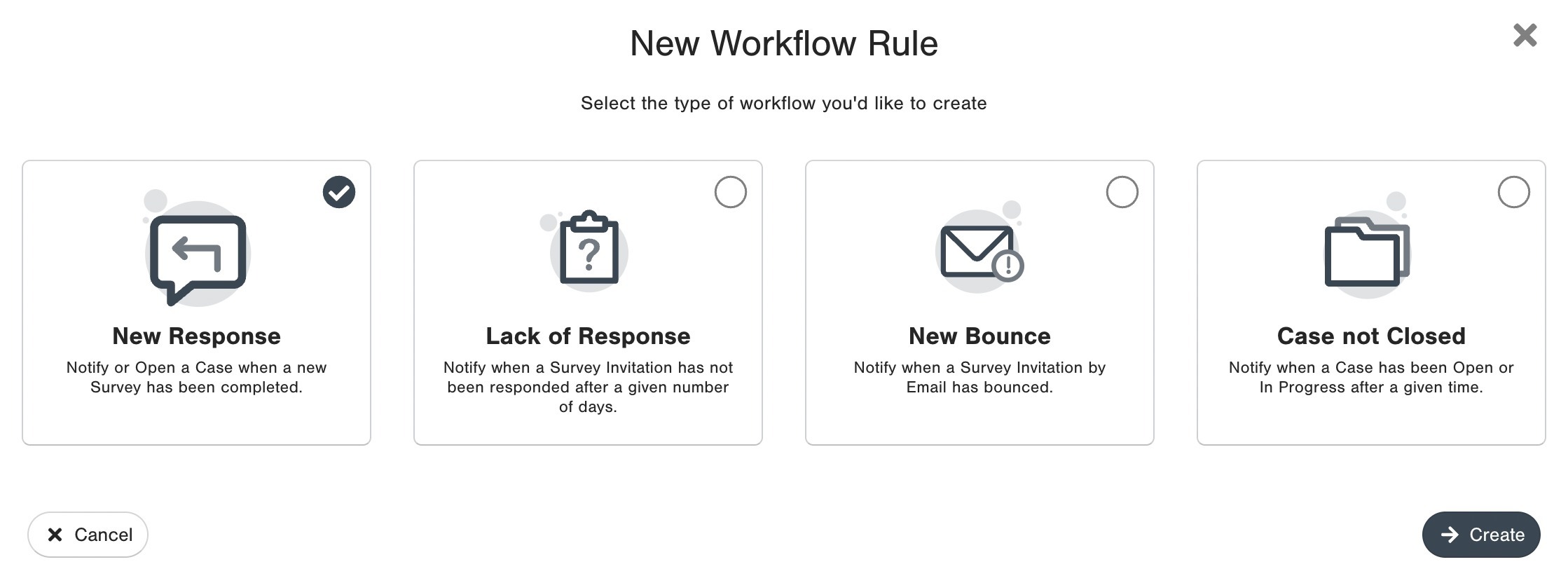
Choose New Response Alerts and click on Create.
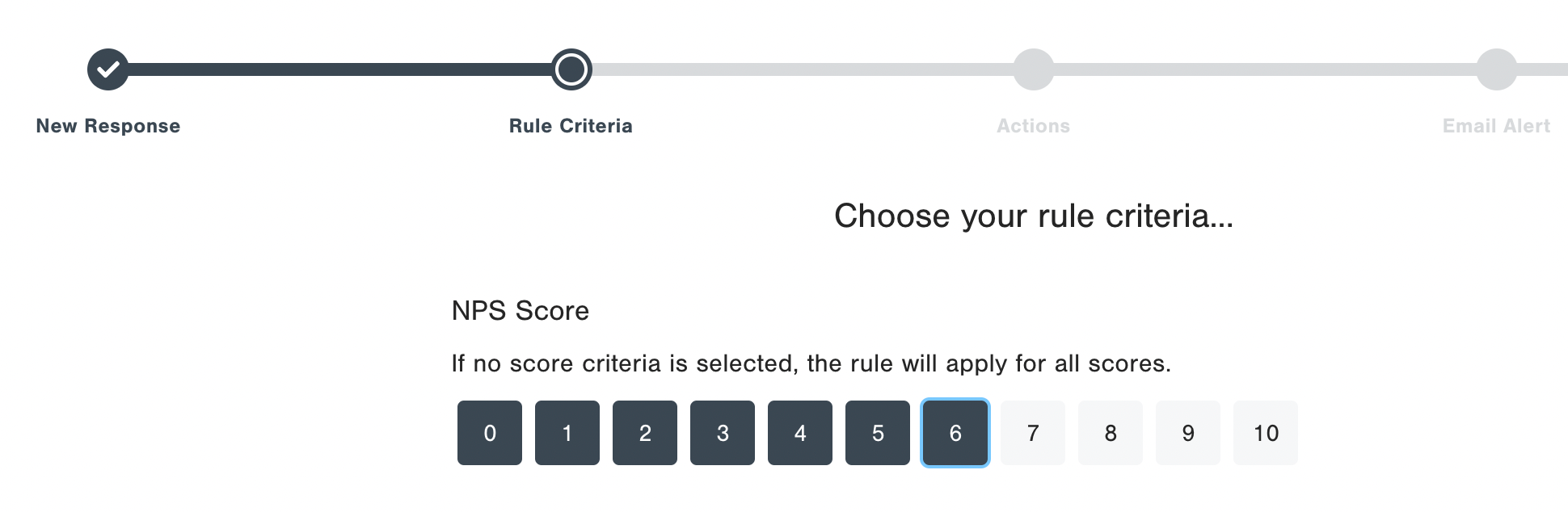
Choose 0 to 6 (Detractors) in this step to receive alerts for detractors only. Add filters to your Detractor alerts as per your convenience. Example: Country is equal to BR, such that this workflow alert only applies to Brazil.
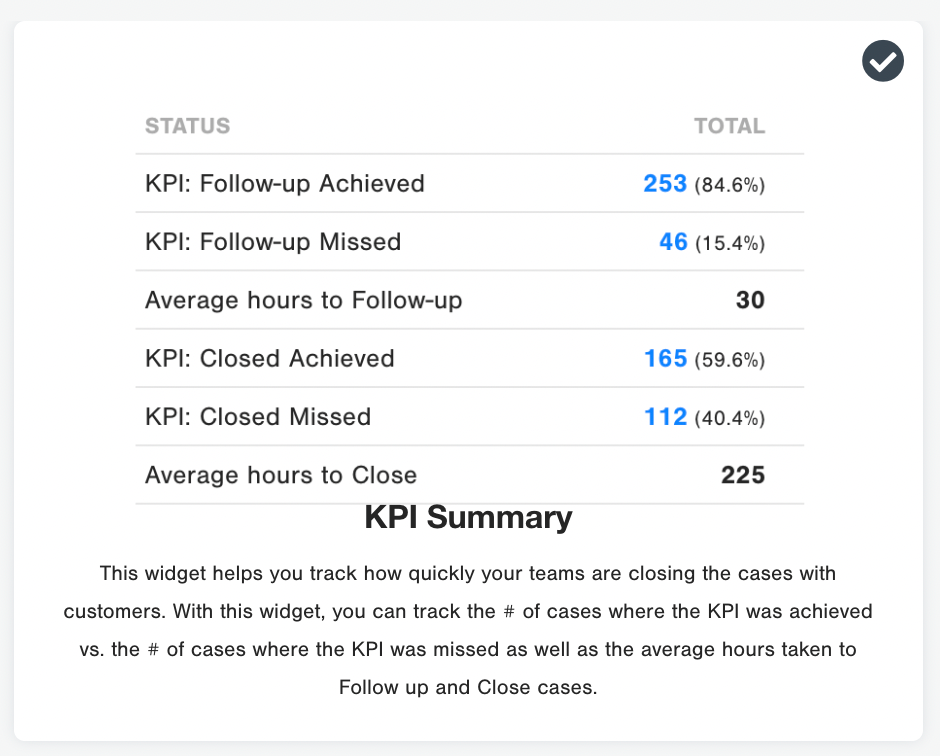
Set targets on follow up times for 48 hours from the response being left. You can also then configure your close the loop widgets in CustomerGauge to report on these targets. Add the KPI widget to your Report on CustomerGauge for monitoring and reporting purposes.
Ensure Account Managers are trained on how best to Close the Loop:
The straightforward way to close the loop is with a phone call allowing you to help the customer with an unresolved issue or get more information about the root causes of their feedback.
If the customer is a detractor, make the call and see if you can fix the issue or compensate otherwise. And even if this is impossible or requires time, showing that you listened, care and plan to do something or at least explain why you can’t, usually improves the customer’s impression of your company and brand.
A good call allows the customer spends as little time with you as needed, but gets as much out of it as possible.
Tip: By employing the 5 Whys of root cause analysis, you can get to the heart of a solution quickly.
- Update the Follow Up actions in CustomerGauge - Update the case status, change assignee and add the notes from the contact with the customer back in the platform. This way you can always go back and track results and keep track of your cases. This can be automated by connecting through one of our APIs with your CRM or ticketing system.
These are the status in CG - define when each status should be updated:- OPEN – Customer has responded to the survey and informed the desire to be contacted
- IN PROGRESS – Customer should be contacted within 48 hours to better understand the issue
- CLOSED – Case is solved